전문 레이저 파일 준비

이미지를 생산 준비된 레이저 파일로 변환합니다.

Vextrify는 사진 준비, 3D 릴리프, 아트보드, 프로필, 내보내기를 브라우저와 데스크톱용 하나의 워크플로로 연결합니다.

생산, 공방, 스튜디오, 고급 메이커를 위해
브라우저 또는 로컬 데스크톱 앱으로 사용
LightBurn, EZCAD 및 공방 워크플로용 내보내기
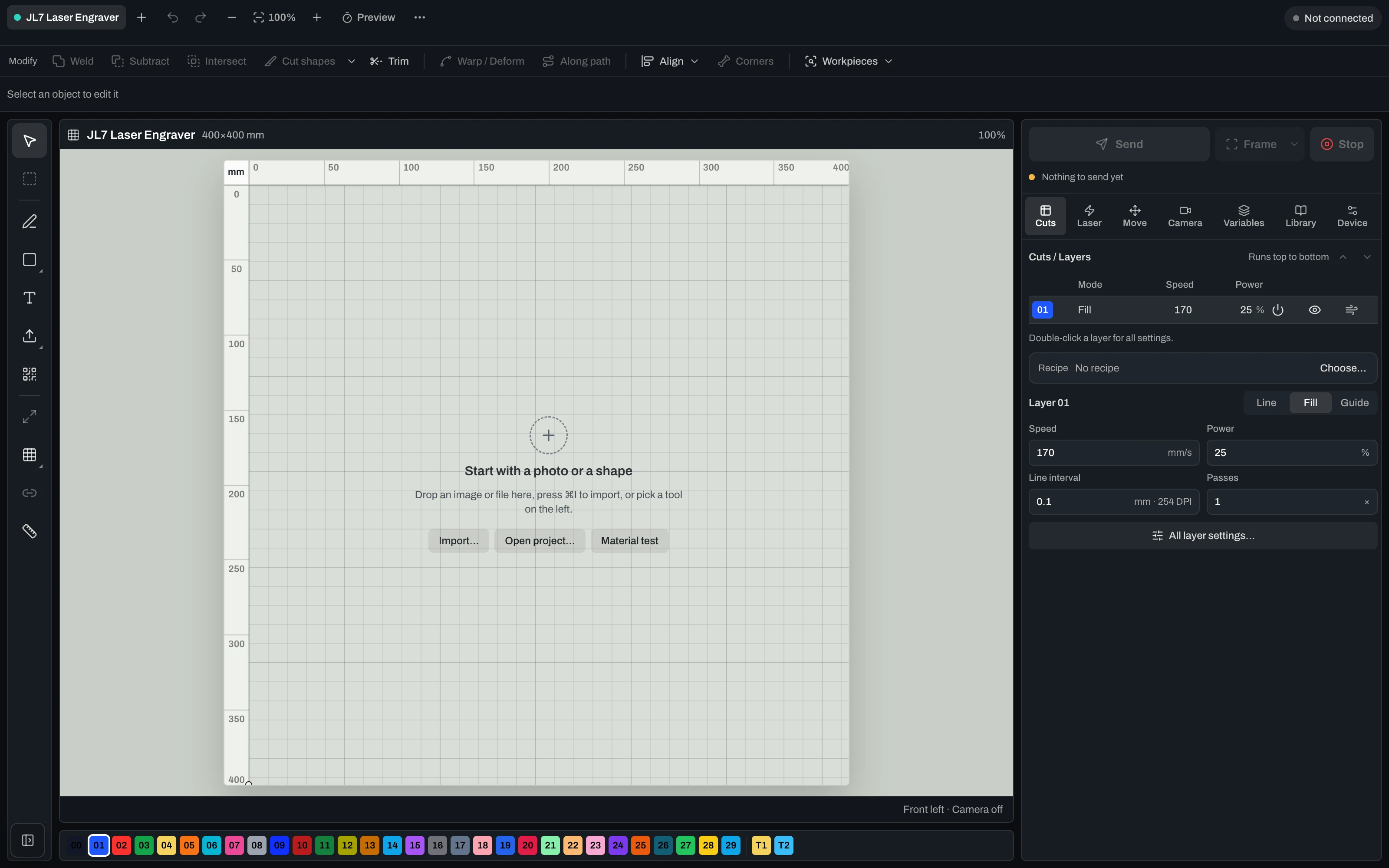
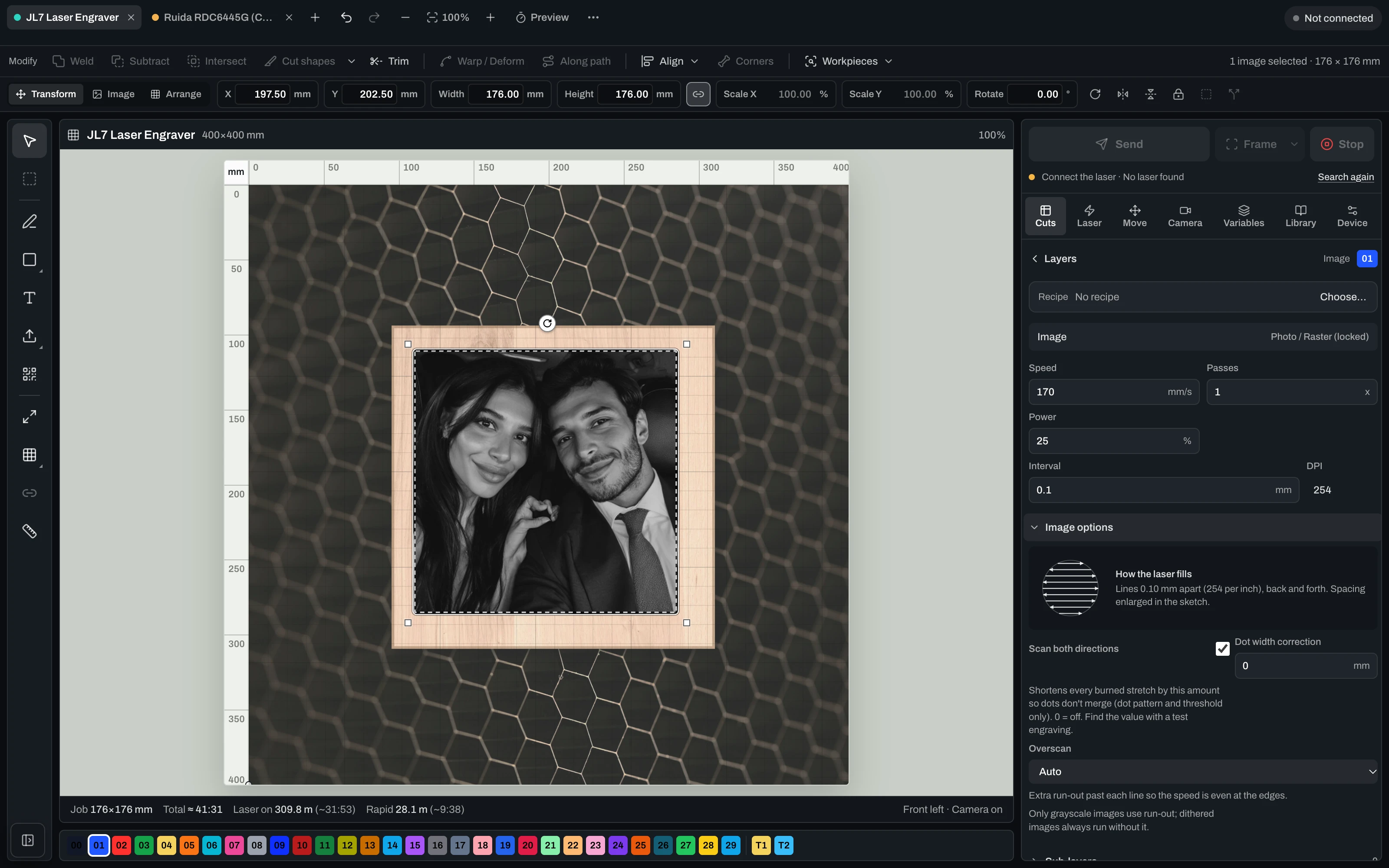
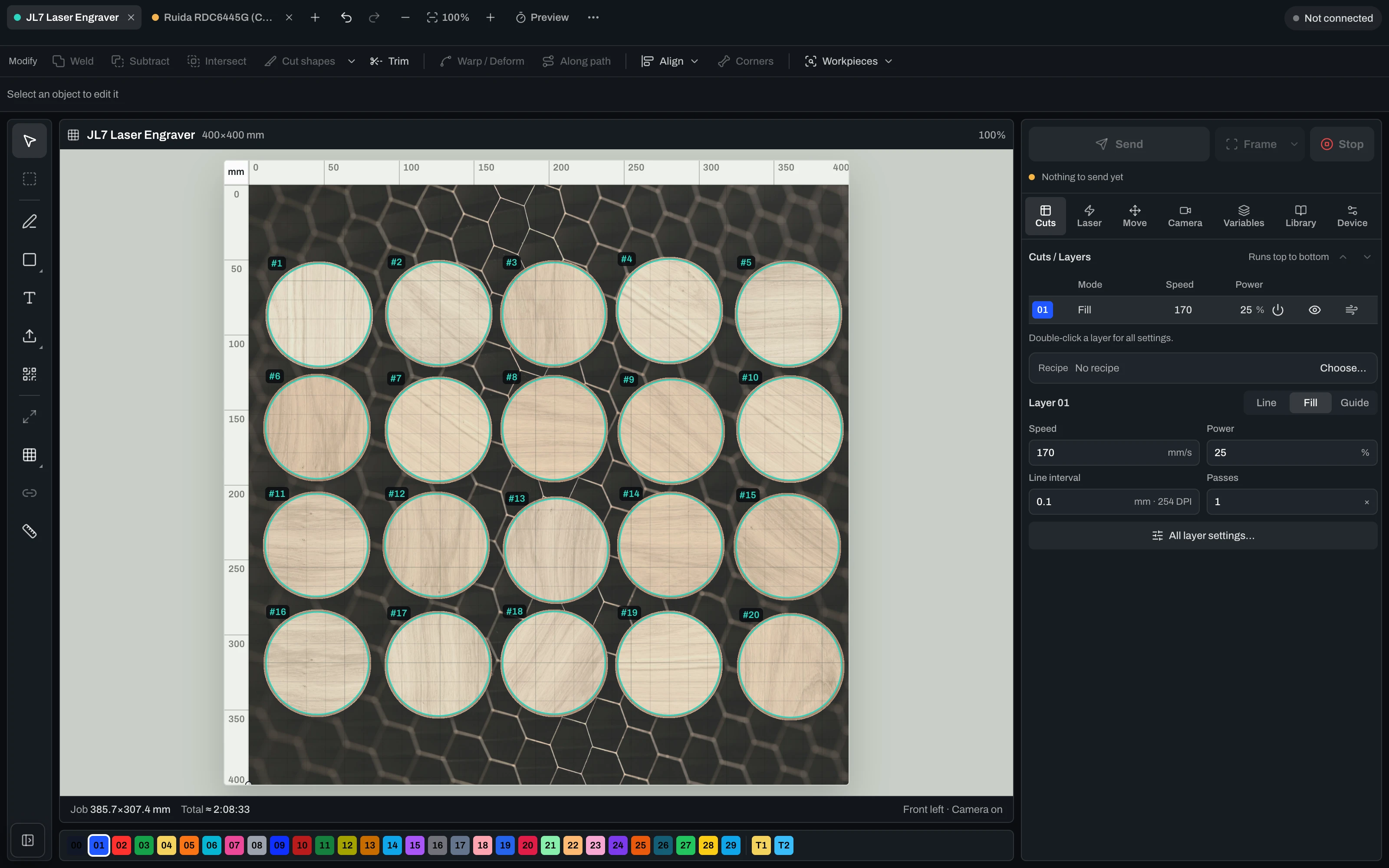
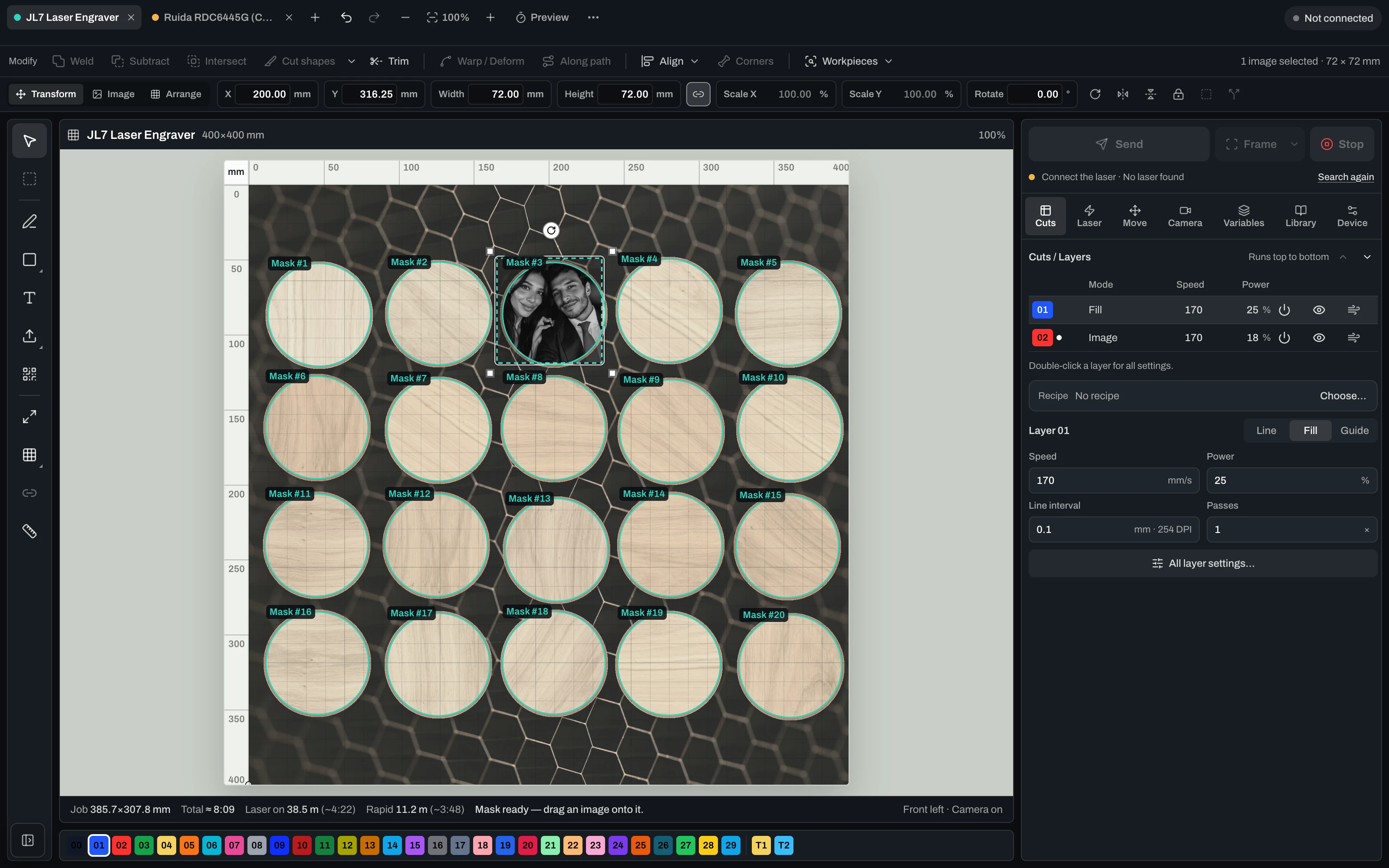
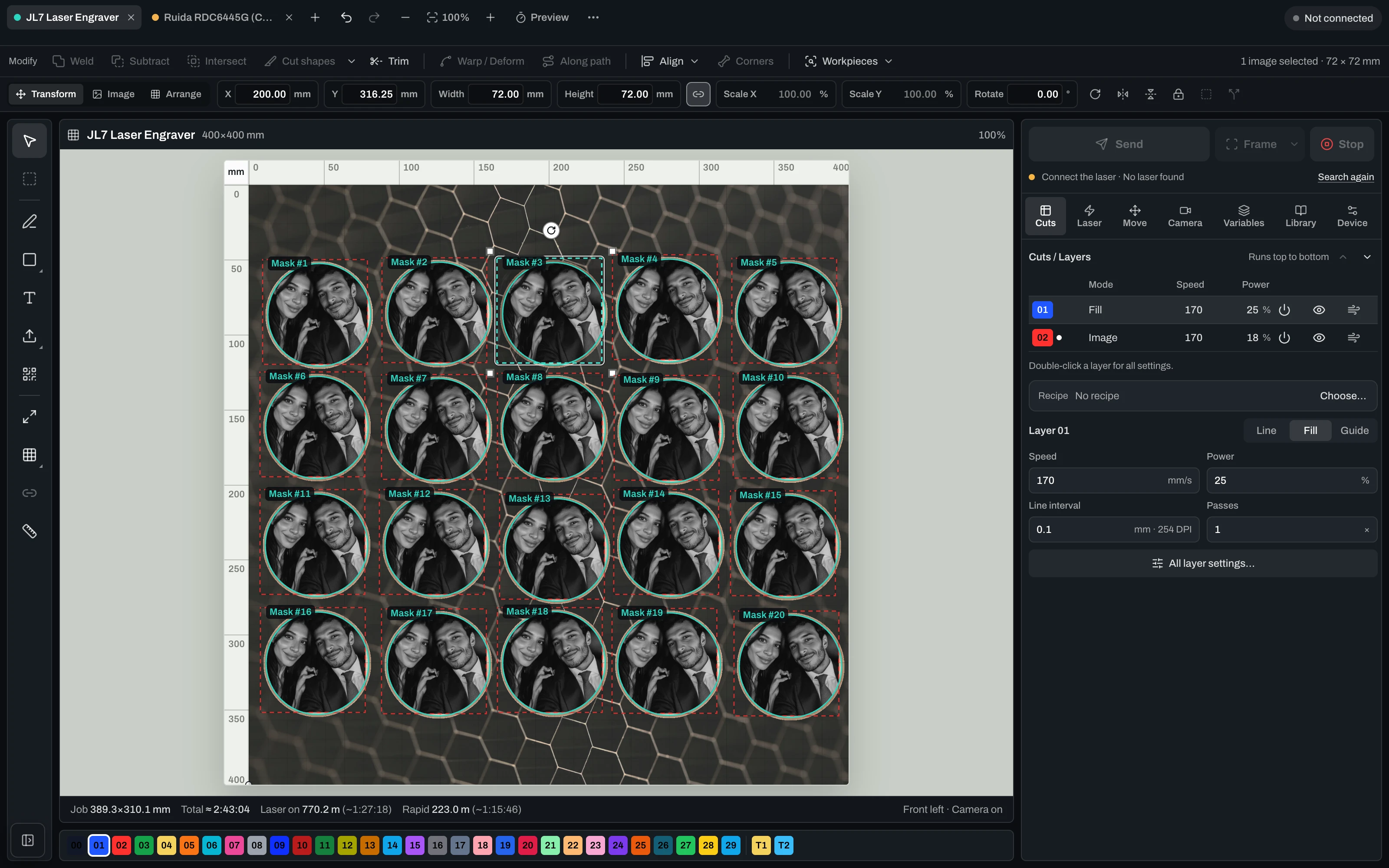
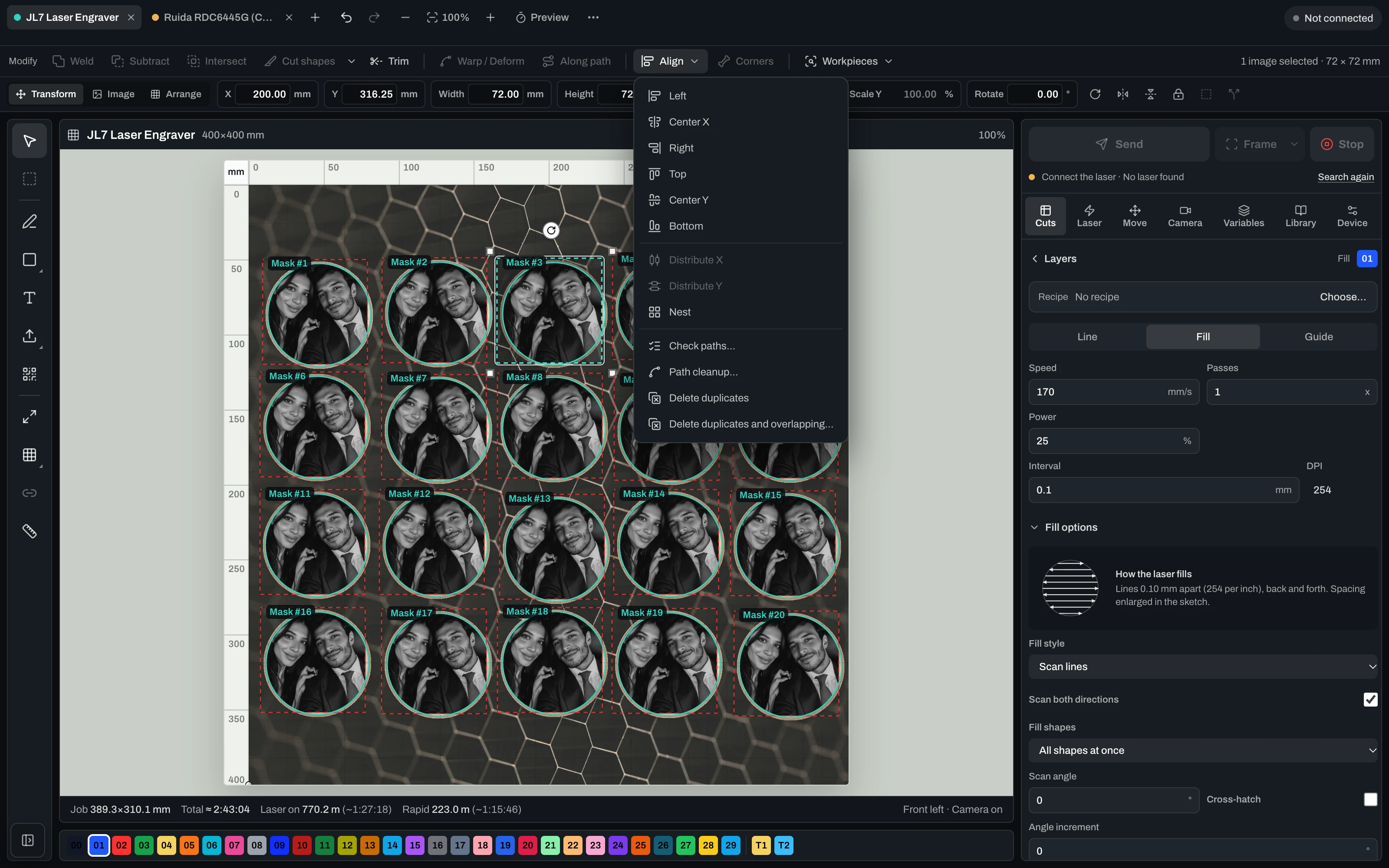
Vextrify Laser Control — the real machine control interface

“Finally, I only need one piece of software for everything.” — Ralf, Profit GmbH

The daily tool shuffle

Four programs for one engraved part. You know the drill.

Prep the photo in one tool, export it, import into the next, align it there, hand it to your laser software — and start over for every motif. Vextrify turns those steps into a single flow.

Your stack today
Photo for engravingImagR · PhotoGrav
Vectors & layoutIllustrator · Inkscape
Machine controlLightBurn
3D reliefspecialised CAM
Camera alignmentmanual / add-on
Multiple licenses · export/re-import · no shared project
Vextrify
All in one

One project, one license, in the browser and on the desktop (Mac & Windows). Control, image optimization and planning work as one — no export, no re-import.

Image & artwork
Photo Studio · AI Studio · Photo Upgrade · Background · 3D Relief · Product Studio
File & layout
Artboard · Vectorize · Contour · QR · Batch · Profiles
Laser & control
Diode & CO2 · camera alignment · multiple lasers · material recipes

아이디어에서 완성된 각인 부품까지 — 세 단계로.

Step 1

디자인 준비

사진, 벡터, 텍스트 또는 AI 모티프 — 점 구조, 릴리프, 프로필로 각인에 적합하게 제작.

Step 2

공작물에 정렬

보정된 카메라로 실제 소재 위에 정확히 배치하고, 프레이밍과 드라이런으로 확인.

Step 3

각인하기

다이오드 또는 CO2에서 작업을 라이브 실행 — 시작, 일시정지, 재개, 정지. 여러 레이저도 동시에.

Laser Control

레이저를 직접 제어 — 카메라, 캘리브레이션, Ruida 및 GRBL.

실제 제어 인터페이스: USB 연결, 카메라 정렬 및 렌즈 캘리브레이션, 베드 포지셔닝, Ruida (CO2) 및 GRBL 기계를 위한 직접 출력.

Align
  • Camera alignment on the real workpiece
  • Lens-corrected overlay preview
  • Framing & dry-run before the laser fires
  • Free choice of origin & start position
Run
  • Diode & CO2 (GRBL & Ruida) directly
  • Live job: start, pause, resume, stop
  • Speed, power, passes, frequency & air assist per layer
  • Speed/power limits from the device profile + runtime estimate
Scale
  • Several lasers at once from one PC
  • Every job keeps running on its own
  • Reuse material recipes & profiles
  • Photo engraving with dithering & grayscale
Machine control runs in the desktop app for Mac & Windows.

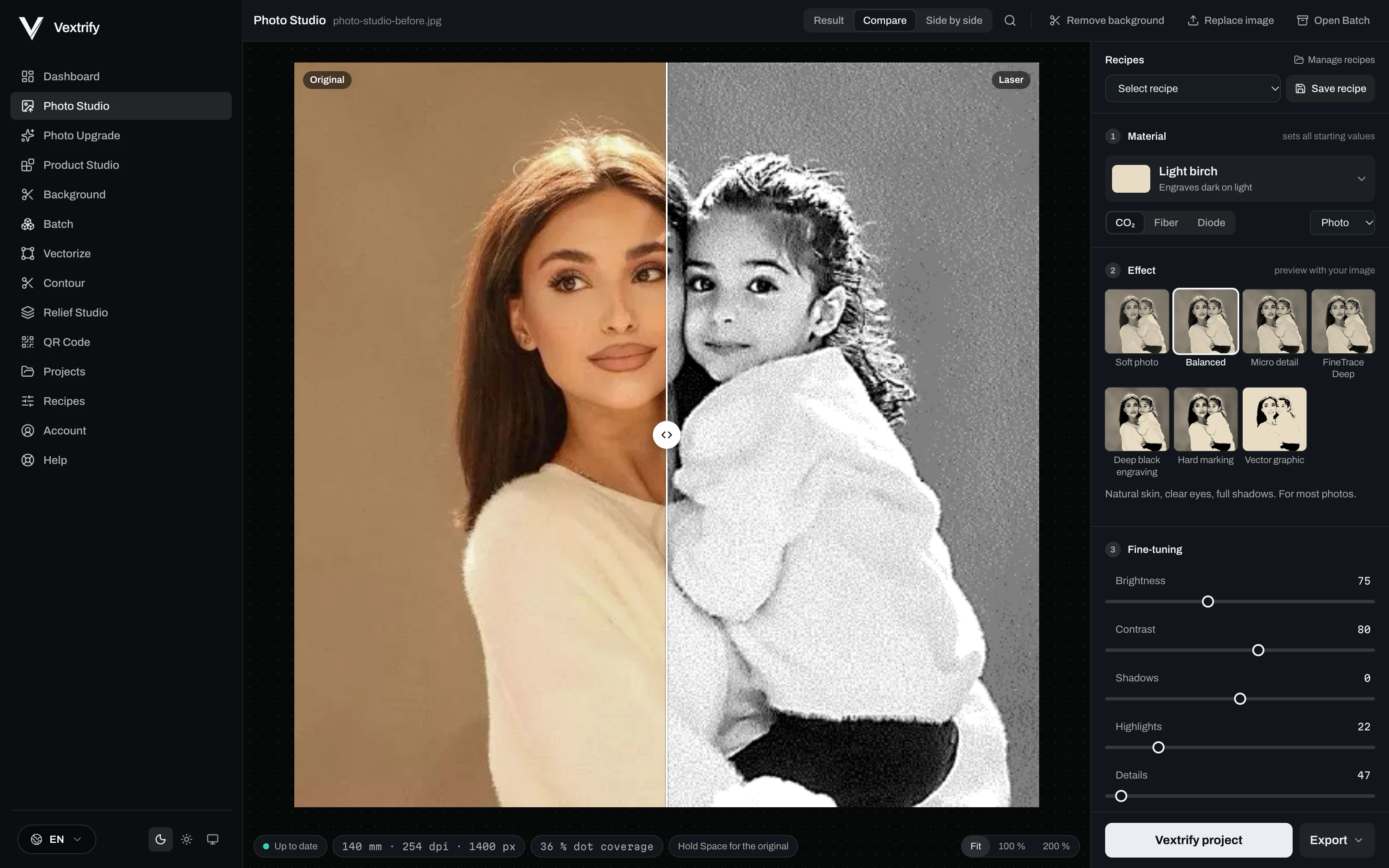
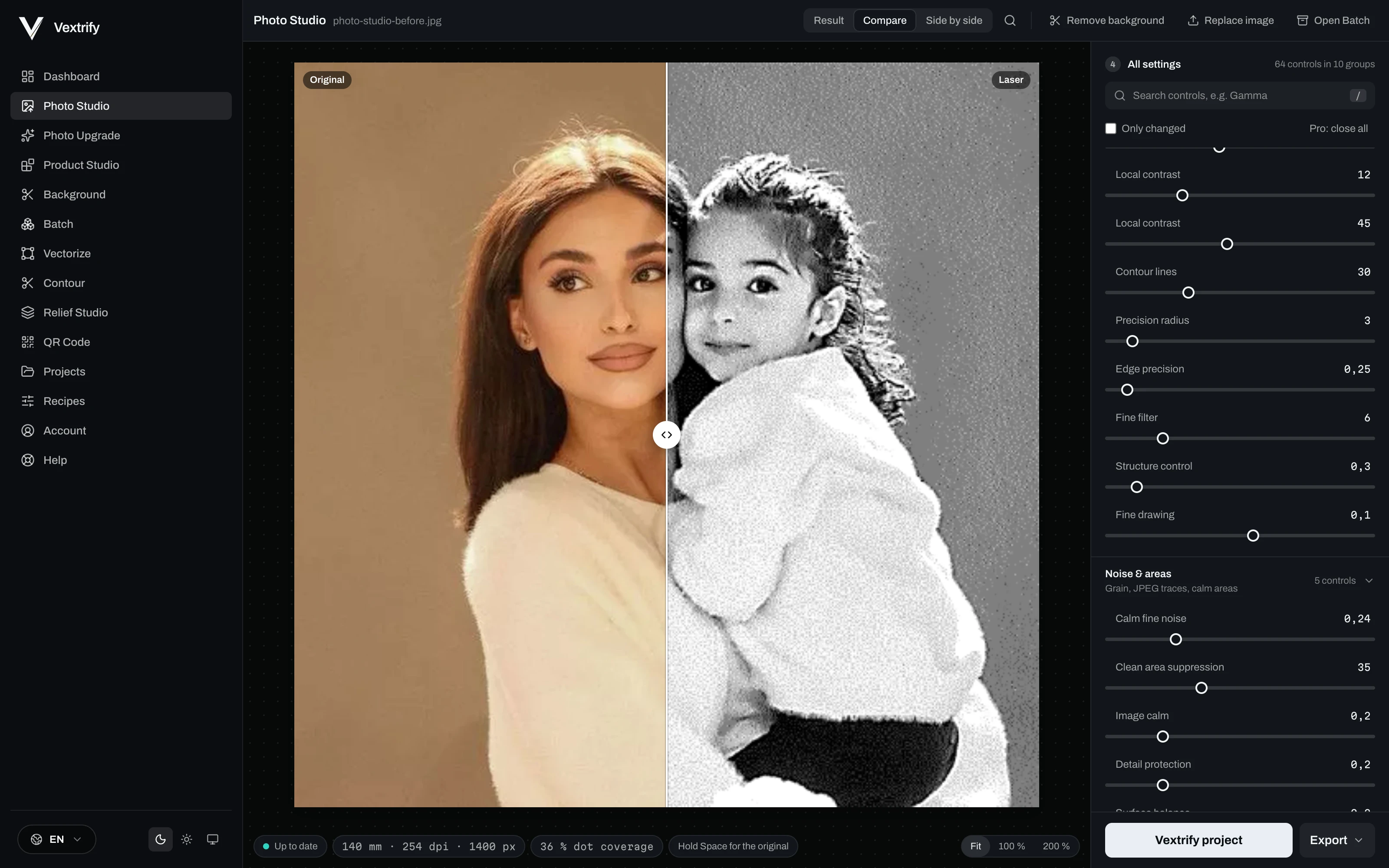
각인, 마킹, 소재 반응을 위한 정밀 이미지 준비.

소재, 이미지 유형, 목표를 선택하고 출력을 시각적으로 조정하세요.

Original image in Photo Studio
Original
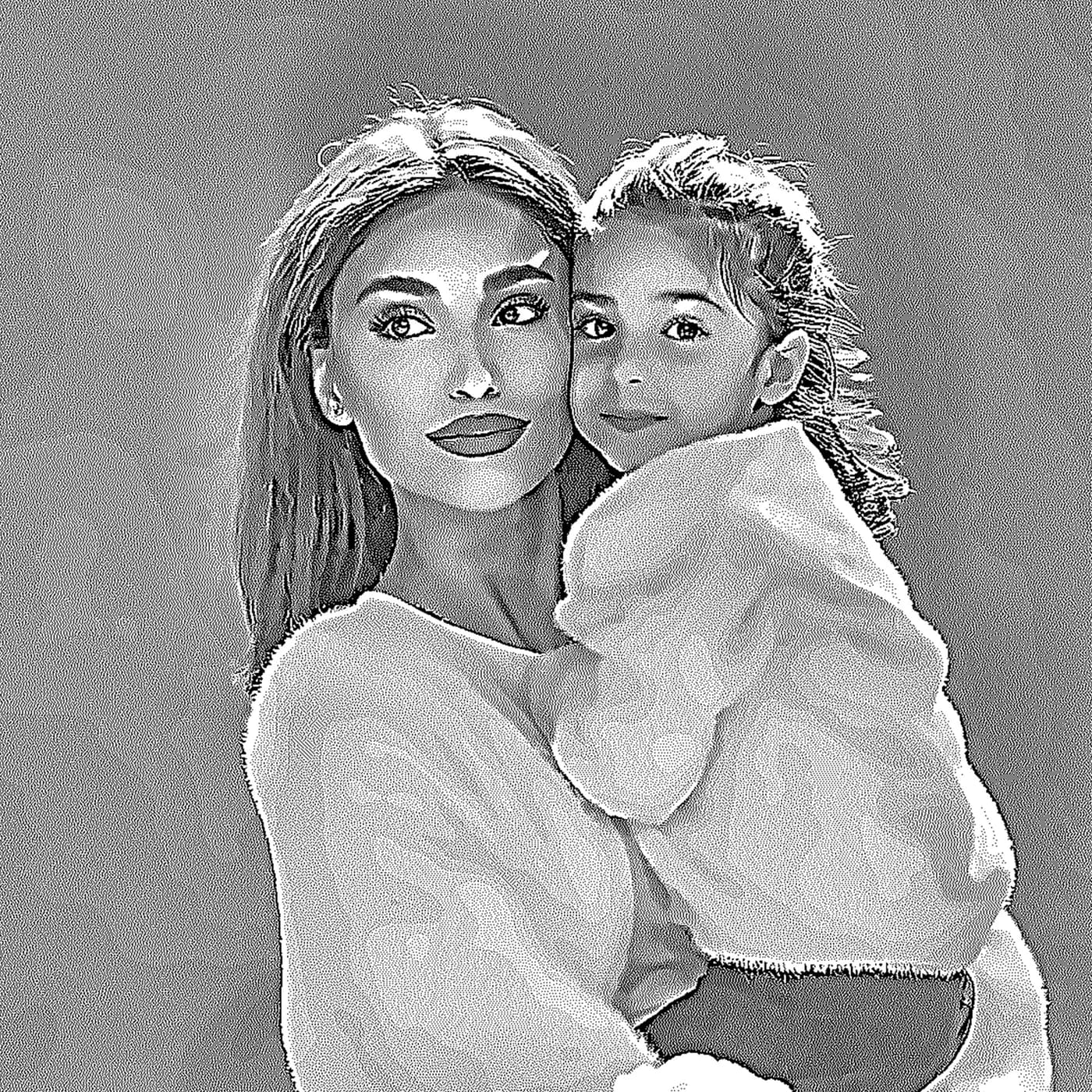
Engraving preview in Photo Studio
Laser output
Dot density

전문 제어

이 값은 프로필에 저장되고 LightBurn/EZCAD 패키지에 기록됩니다.

각인, 마킹, 소재 반응을 위한 정밀 이미지 준비.

소재, 이미지 유형, 목표를 선택하고 출력을 시각적으로 조정하세요.

다시 추측하지 말고 처리를 저장하세요.

소재, 목표, DPI, 톤, 디더, 전처리, 디버그를 저장합니다.

확대

비교 · 준비됨

Depth map 입력, 깊이 전략 출력.

릴리프와 딥 인그레이빙을 로컬에서 준비합니다.

Learn more
Depth map 입력, 깊이 전략 출력.
Relief Studio
전문 제어
3D preview · drag to tilt
Production Artboard

완전한 작업을 위한 생산 공간.

이미지, 텍스트, QR, SVG와 정확한 치수를 하나의 내보내기 면에 배치합니다.

완전한 작업을 위한 생산 공간.

이미지, 텍스트, QR, SVG와 정확한 치수를 하나의 내보내기 면에 배치합니다.

생산 데이터가 함께 유지됩니다.

원본, 출력, Artboard, 에셋, export를 저장합니다.

프로덕션 및 내보내기

이 값은 프로필에 저장되고 LightBurn/EZCAD 패키지에 기록됩니다.

리소스

브라우저, 데스크톱, 장비-ready 내보내기를 위한 전문 레이저 준비.

VX
Artboard
Production Canvas
320 × 220 mm
Artboard
Image
Text
Export
Prepared engraving image inside the Vextrify Artboard
Bella
Tune image
Contrast+18
Dot density
Sharpness+12
Objects
2
Image
Photo · 254 DPI
Stucki
Text
Fill · outline on
being added
Text parameters
ModeFill
Outlineactive
ColorBlack
Parameters on active image
Speed420 mm/s
Max Power28%
Min Power0%
Passes2
Layers
ImageBlue
TextBlack
Guideoff
LightBurn PaketSVGDXFPNG

Photo, relief, artboard, vectorize, QR, background removal, AI image and more.

Every tool has its own page with examples and an explanation — see everything Vextrify prepares before the burn.

Browse all tools

온라인으로 쓰고, 로컬에서 강력하게 제작하세요.

Vextrify는 한 가지 작업 방식에 묶이지 않습니다. 브라우저와 데스크톱을 함께 사용해 일상 작업은 유연하게, 제작 현장은 강력하게, 핵심 워크플로는 클라우드 강제 없이 운영합니다.

현장 작업장에서 실행 중인 Vextrify 데스크톱 앱
View desktop app
로컬 제작 모드
1클라우드 강제 없음핵심 기능은 제작 파일 업로드 없이 로컬에서 실행할 수 있습니다.
2장소에 독립적브라우저에서 작업하거나 작업장 PC에서 로컬로 제작할 수 있습니다.
3로컬에서도 전체 스튜디오Photo Studio, 프로필, Artboard, Batch, export를 제작 현장에서 사용합니다.
4시장에서 독보적Vextrify는 웹 편의성과 실제 로컬 제작 환경을 결합합니다.

여러 구독 대신 하나의 도구 — 그리고 더 많은 기능.

현재: 따로 구입
Imag-R이미지 준비만119 €/
LightBurn Pro기계 제어만210 € 1회 결제
합산, 1년차329 €
두 개의 별도 도구, 공유 프로젝트 없음.
Vextrify Studio Pro 포함
  • 이미지 준비, 3D 릴리프, 벡터, AI
  • 직접 기계 제어 (다이오드 및 CO2)
  • 여러 레이저 동시 사용
  • 하나의 프로젝트, 내보내기/재가져오기 없음
올인원149,99 €/
더 많은 기능, 절반 이하의 가격.

첫 작업부터 가치가 나는 전문 레이저 준비.

Studio는 브라우저의 완전한 제작 스위트를 포함합니다 — 사진, 3D 릴리프, 벡터, 아트보드 등. Studio Pro는 데스크톱 앱, 직접 레이저 제어(다이오드 및 CO2, 여러 레이저 동시 지원)와 AI 이미지 생성을 추가합니다.

Annual is the best default price. Studio includes the complete creation suite; Studio Pro adds the desktop app, laser control (incl. multiple lasers) and AI image generation.
Plan

Studio

8,33 €per month
jährlich 99,99 € abgerechnet
VAT incl. where applicable

Komplette Erstell-Suite im Browser — vorbereiten und bearbeiten, alles außer der Maschinensteuerung.

Complete creation suite in the browser
Photo Studio, 3D Relief, Artboard
Vectorize, Contour, QR, Batch
Background removal & photo upgrade
AI Studio visible, usage by upgrade
No machine control
계정 만들기
Best Value

Studio Pro

12,50 €per month
jährlich 149,99 € abgerechnet
VAT incl. where applicable

Alles aus Studio plus Desktop-App, Lasersteuerung (Diode & CO2, auch mehrere Laser gleichzeitig) und 2.000 KI-Credits pro Monat.

Everything in Studio
Desktop app included
Laser control: diode & CO2, camera-aligned
Multiple lasers at once from one PC
AI image generation · 2,000 credits/mo
Live job: start, pause, resume, stop
계정 만들기
Plan

Lifetime Pro

One-timeno subscription
249,00 €one-time
einmalige Zahlung · 12 Monate Studio inklusive
VAT incl. where applicable

Einmal kaufen. Die Desktop-App dauerhaft lokal nutzen. Studio Online, KI-Tools und Updates sind 12 Monate inklusive.

Buy once, keep it locally for good
Desktop app + laser control (Mac & Windows)
Laser control incl. multiple lasers
12 months Studio Online & AI included
Updates included for 12 months
No subscription — one-time payment
계정 만들기

What you want to know before starting.

LightBurn과 EZCAD에서 사용할 수 있나요?+

예. 기존 레이저 워크플로에서 쓰기 쉬운 내보내기 패키지를 만듭니다.

로컬로 사용할 수 있나요?+

예. 데스크톱 앱은 핵심 기능을 클라우드 강제 없이 로컬에서 실행할 수 있습니다.

단순 사진 도구보다 무엇이 강한가요?+

소재, 톤, 점 구조, 프로필, 아트보드, 내보내기, 릴리프에 수백 가지 설정을 제공합니다.