Turnimagesintoproduction-readylaserfiles.
Vextrify connects photo preparation, 3D relief, artboard, profiles, and export into one workflow for browser and desktop.


Three core modules for production.
Photo Studio, 3D Relief Studio, and Artboard form the production core. Batch, vectorize, QR, background removal, photo upgrade, and AI Studio support the moments real jobs need more.
Why Vextrify works differently.
Not every job starts and ends in the same tool. Vextrify connects the important decisions around motif, material, profile, and export without forcing users through multiple workarounds.
From motif to production file.
Photos, text, contours, QR codes, and layouts do not stay as loose files. They become one controllable project.
Settings become repeatable.
Every strong material combination can be saved as a recipe, imported, exported, and reused later in Photo Studio, Batch, or Artboard.
Productions stay together.
Jobs save originals, outputs, artboards, assets, and exports. A test run becomes a traceable production state.
Precise image preparation for engraving, marking, and material response.
Choose the material, define the image type, set the production goal, and fine-tune the output visually.
Photo Studio
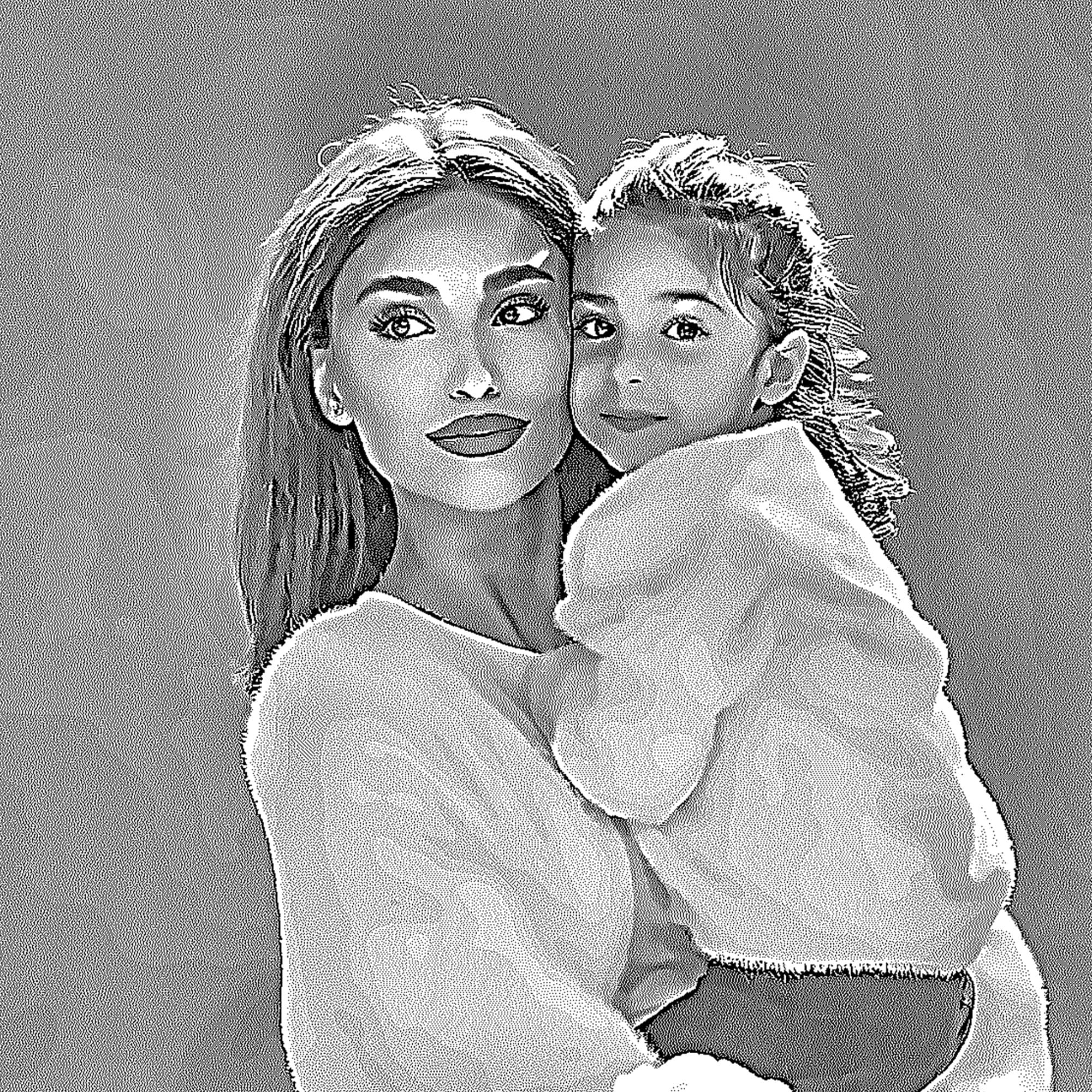
Professional Controls
These values are saved in recipes and written into LightBurn/EZCAD packages.
Precise image preparation for engraving, marking, and material response.
Choose the material, define the image type, set the production goal, and fine-tune the output visually.
Save processing instead of guessing every image again.
Recipes contain material, image type, goal, DPI, tone values, dot pattern, image preparation, and export values. Images, artboards, and exports belong in Jobs.
Enlarge
Compare · ready
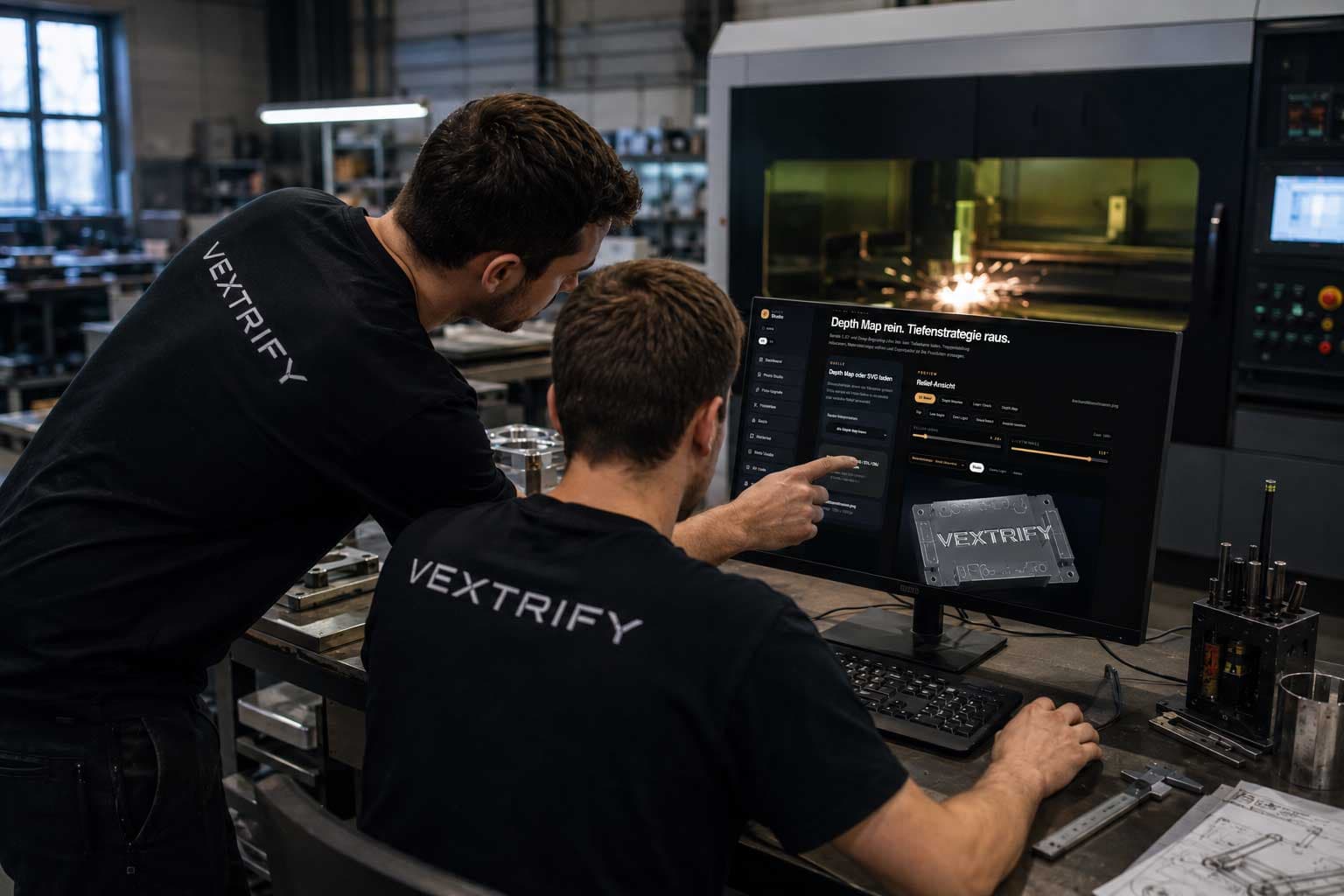
Depth map in. Depth strategy out.
Prepare 3D relief and deep engraving jobs locally: load depth maps, reduce banding, choose material strategy, and create an export package for production.
The production space for complete jobs.
This is where Vextrify becomes a real suite: multiple images, text, QR, SVG, and precise millimeter sizing on one exportable artboard.
ArtboardThe production space for complete jobs.
This is where Vextrify becomes a real suite: multiple images, text, QR, SVG, and precise millimeter sizing on one exportable artboard.
Productions stay together.
Jobs save originals, outputs, artboards, assets, and exports. A test run becomes a traceable production state.
Production & Export
These values are saved in recipes and written into LightBurn/EZCAD packages.
Resources
Professional laser preparation for browser, desktop, and machine-ready exports.
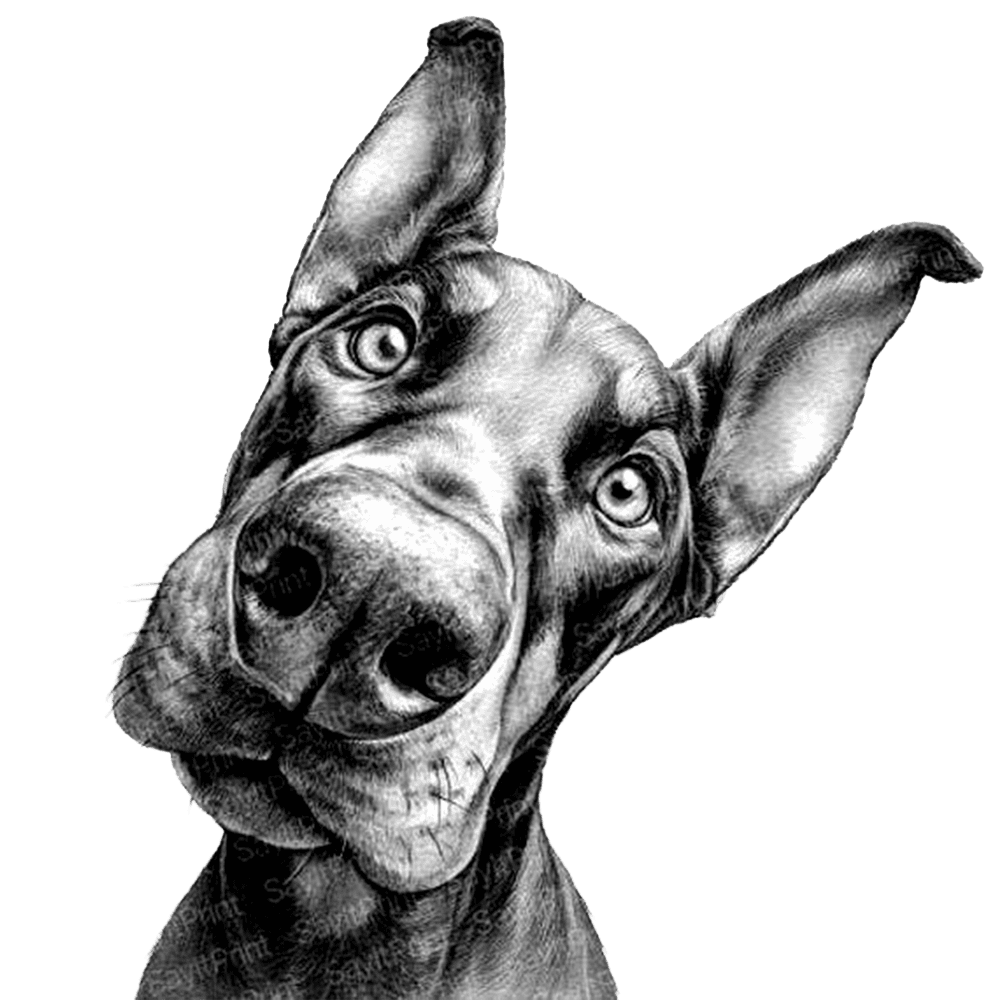
The job writes itself as you scroll.
Premium does not come from decoration, but visible control. Each step shows how a motif becomes a traceable production file.
Choose material
Surface and goal set the frame so the file matches real production.
Prepare the motif
Photo, logo, or QR code is prepared in the right studio for the job.
Build the file
Artboard, layers, text, and parameters bring every element into a clear production structure.
Export cleanly
Project, profile, and export package stay traceable instead of ending as loose files.
Use it online. Produce locally at full power.
Vextrify is not locked to one way of working. Browser and desktop stand side by side: flexible for everyday use, powerful at the production desk, and without cloud lock-in for core workflows.
One price for real production, not a single filter tool.
Solo includes the complete online suite. Studio adds the desktop app, AI Studio, and one activated desktop production device. Business is for teams with more workspaces and higher AI Credits.
Solo
The complete online suite for one user and one online workspace.
Studio
Online suite plus desktop app, one production workspace, and 2,000 AI Credits per month.
Business
Team plan with three users, desktop production, and 4,000 AI Credits per month.
What you want to know before starting.
Does Vextrify work with LightBurn and EZCAD?+
Yes. Vextrify is designed as a preparation system for existing laser workflows. Exports and packages are structured so they can be used cleanly in LightBurn, EZCAD, and similar production environments.
Can I use Vextrify locally?+
Yes. Vextrify is not only a browser tool. It is also designed as a local desktop app so core functions can run directly at the production desk without cloud lock-in.
What makes Vextrify better than simple photo tools?+
Vextrify is not a filter editor. Across all studios, it offers hundreds of settings for material, tone, dot structure, profiles, artboards, exports, and reliefs.
Can I save my own material and machine profiles?+
Yes. Successful settings can be saved permanently as profiles so recurring materials, machines, and jobs do not need to be rebuilt every time.
Is Vextrify only for photos?+
No. Beyond photo preparation, Vextrify supports layouts, text, QR codes, vectors, batch processing, workpiece shapes, and 3D reliefs.
Who is Vextrify built for?+
Engraving businesses, production workshops, industrial marking, creative studios, demanding makers, and anyone who wants to prepare laser files professionally.
Does Vextrify work with LightBurn and EZCAD?
Yes. Vextrify is designed as a preparation system for existing laser workflows. Exports and packages are structured so they can be used cleanly in LightBurn, EZCAD, and similar production environments.
Can I use Vextrify locally?
Yes. Vextrify is not only a browser tool. It is also designed as a local desktop app so core functions can run directly at the production desk without cloud lock-in.
What makes Vextrify better than simple photo tools?
Vextrify is not a filter editor. Across all studios, it offers hundreds of settings for material, tone, dot structure, profiles, artboards, exports, and reliefs.
Can I save my own material and machine profiles?
Yes. Successful settings can be saved permanently as profiles so recurring materials, machines, and jobs do not need to be rebuilt every time.
Is Vextrify only for photos?
No. Beyond photo preparation, Vextrify supports layouts, text, QR codes, vectors, batch processing, workpiece shapes, and 3D reliefs.
Who is Vextrify built for?
Engraving businesses, production workshops, industrial marking, creative studios, demanding makers, and anyone who wants to prepare laser files professionally.